Notion SEO Workspace
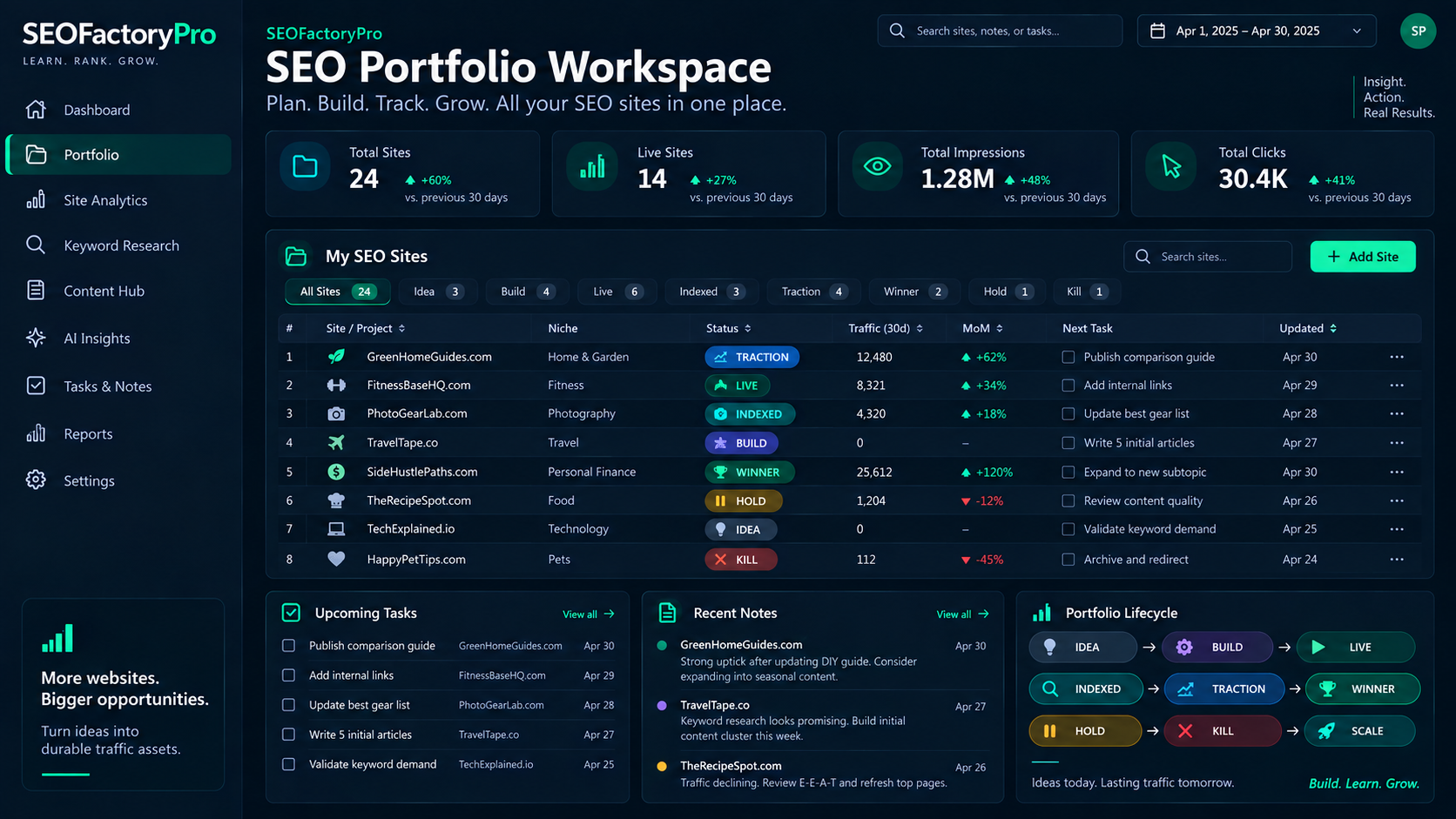
A portfolio workspace template for people running more than one website. It keeps inventory, status, content, costs and review notes in one place, so nothing is lost between projects.
The template is delivered with the planned masterclass. It is not a service on this website, and SEOFactoryPro has no access to any workspace you create.
Structure
Six connected databases
Website inventory
One entry per property: domain, niche, model, status, launch date, renewal date, current next action.
Content pipeline
Planned, drafted, published and needs-update pages per site, with the query each page targets.
Task board
Work items grouped by site and phase, so an active build never competes with a maintenance job.
Expenses and renewals
Domains, hosting and tools per site, so you can tell which assets are net positive.
Review notes
Weekly and monthly review entries: observations, hypotheses and the one change you made.
Decision log
Dated record of what you changed and why, to compare against performance data later.
Why a workspace matters more than it sounds
The failure mode of a portfolio is not dramatic. It is a domain that expired, a site that has not been looked at since launch, a page that was drafted and never published, and a set of costs nobody totalled. A single inventory with statuses and dates prevents all four.
How it is used week to week
Weekly, you touch only the one or two projects in an active phase and log what you changed. Monthly, you walk the inventory: status, costs, next action, and anything that should be paused or retired. Quarterly, you compare your decision log with performance data and decide where your time actually goes next.
Works alongside Radar
Radar answers “what is the search data doing?”. The workspace answers “what do I own, what does it cost, and what is the next action?”. Together they make a solo portfolio manageable.
No proprietary internals published
The public description covers structure and purpose. The template itself, its properties, formulas and prompt library are part of the paid course and are not embedded in this website.
Planned course